
Paste. Preview. Save your video.
ReelDownload uses a simple creator-friendly workflow for saving your own public short videos for backup, editing reference, and personal use.
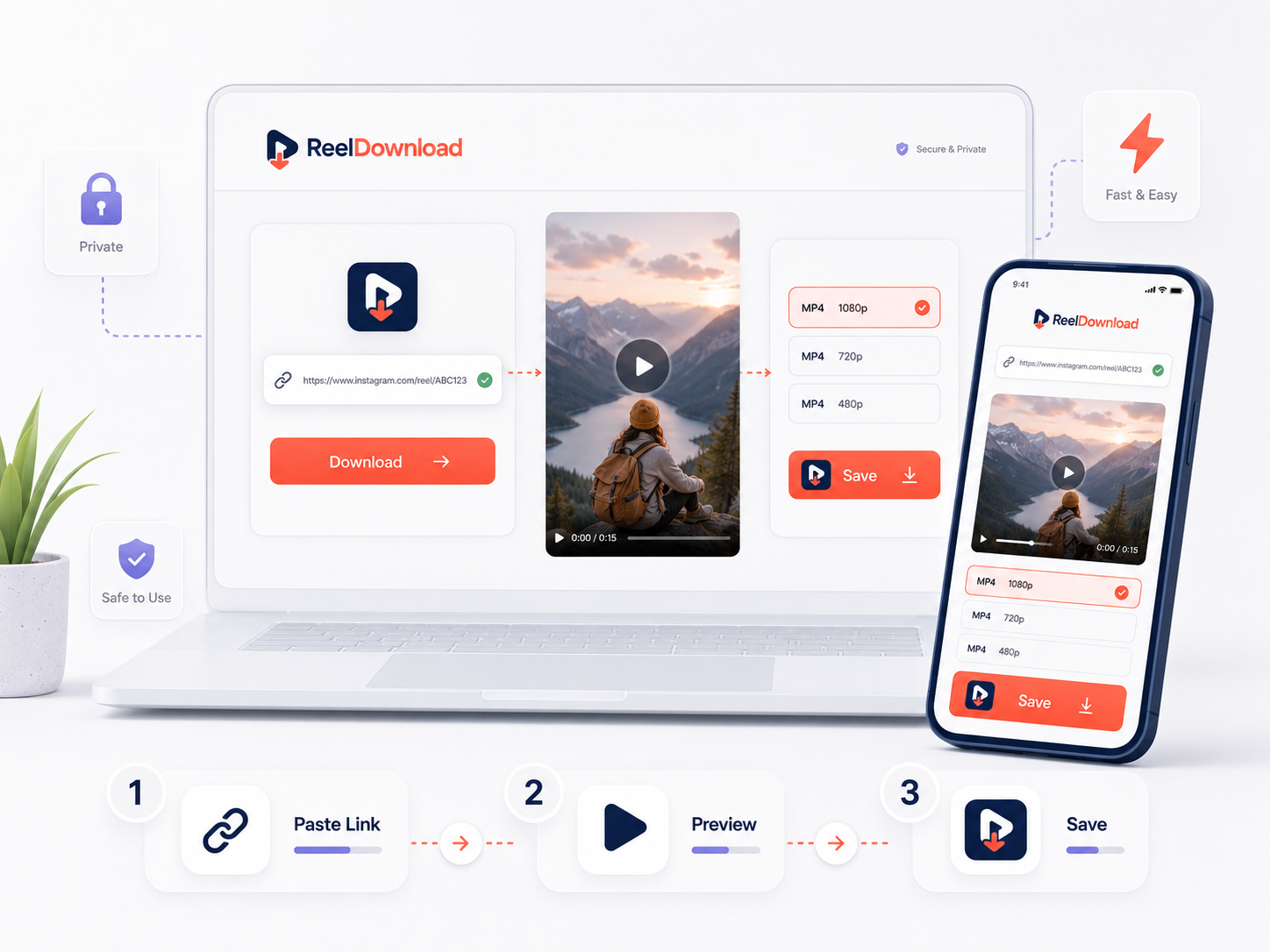
Simple Process
Three simple steps.
The page is designed to keep the workflow clear, safe, and easy for every user.
Paste your link
Copy your own public Instagram, TikTok, or short-video URL and paste it into ReelDownload.
Preview the video
Check the preview result before continuing with your creator workflow.
Save responsibly
Use the result only for content you own or have permission to save.
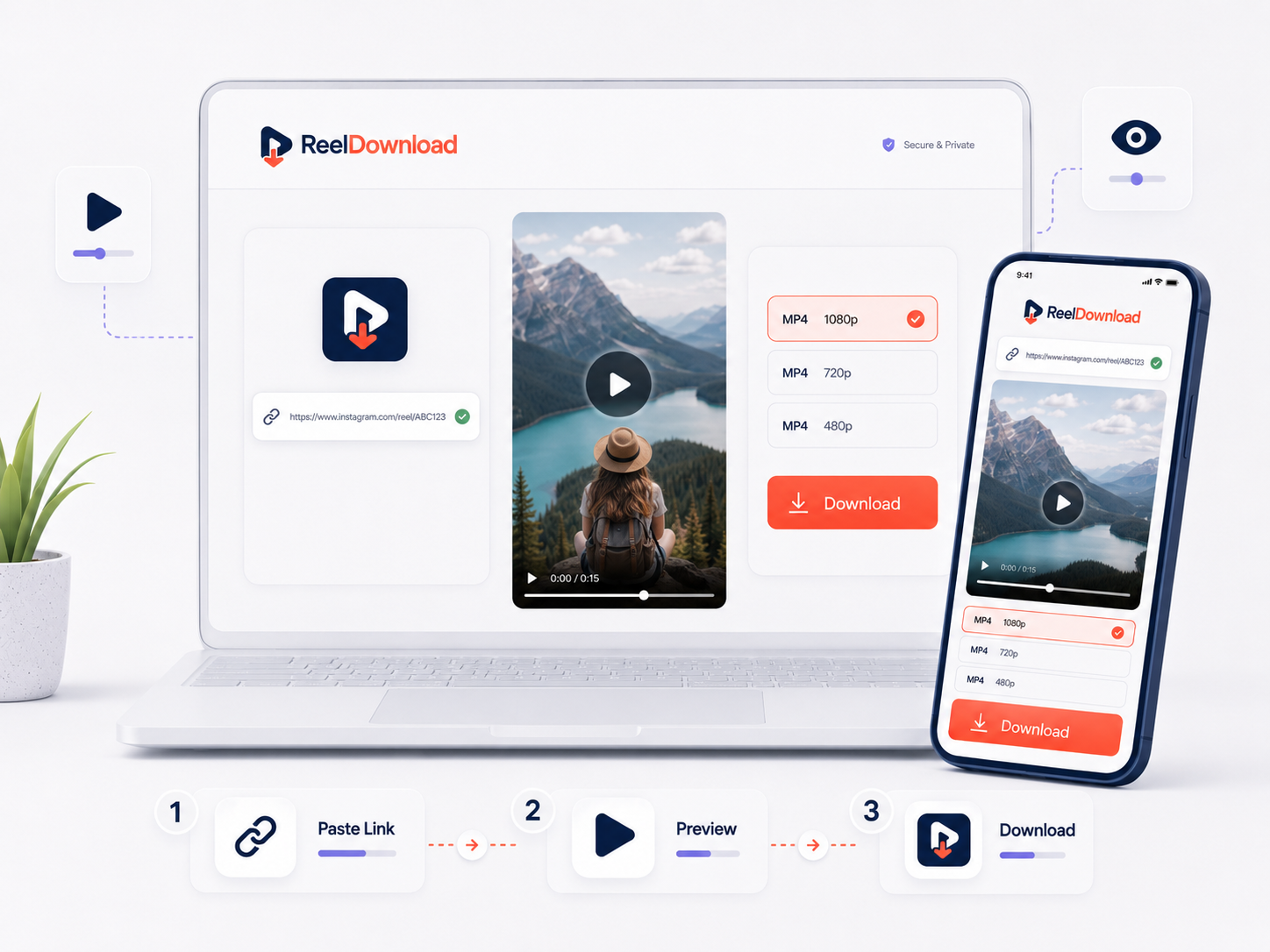
Step 01
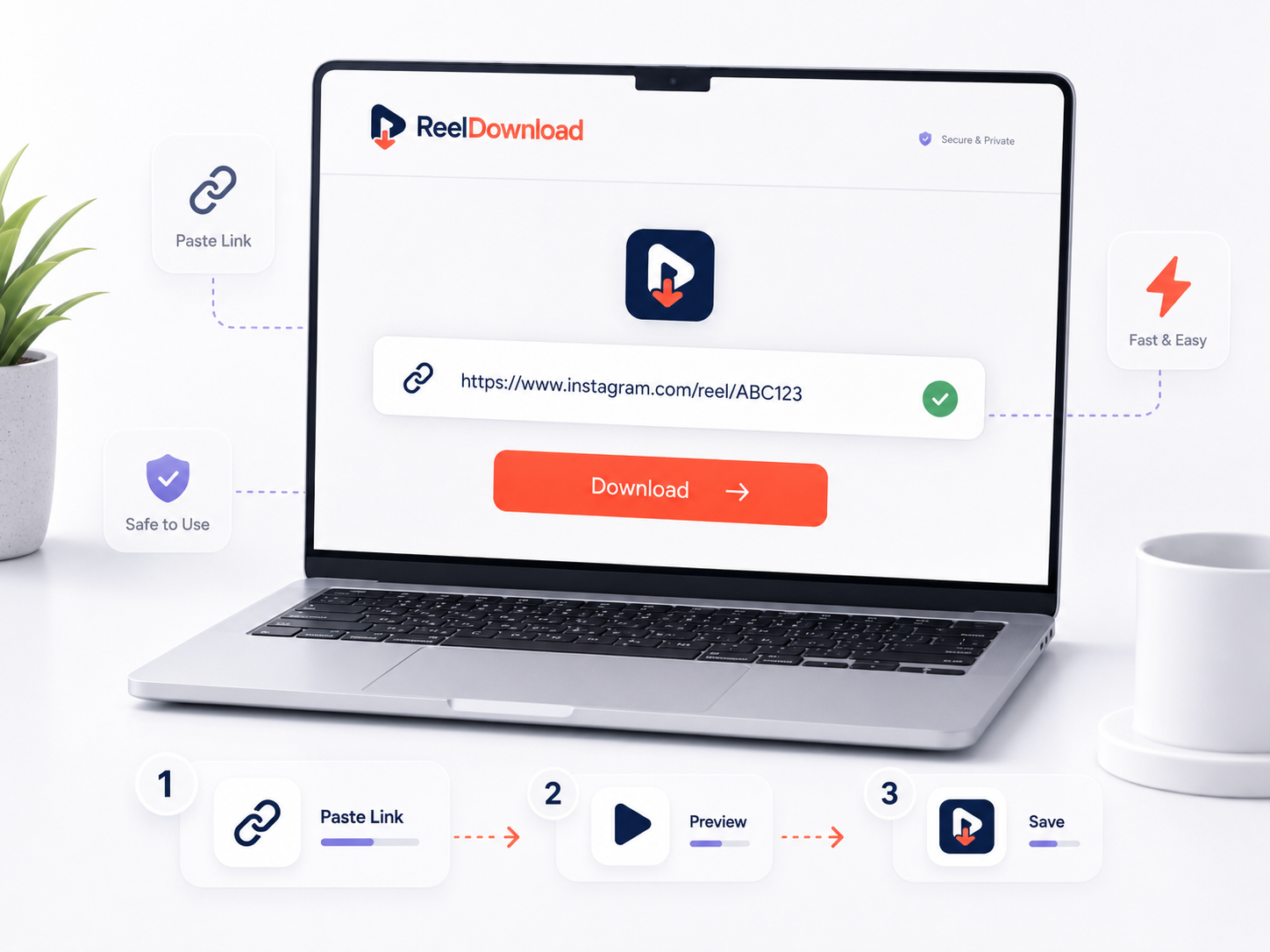
Paste a public video link.
Start by copying a public Instagram, TikTok, or short-video link. The tool keeps the process clean and does not ask for any platform login details.
Step 02
Preview the result before saving.
The preview step helps users confirm the video result before continuing. This keeps the workflow cleaner and more reliable.
Step 03
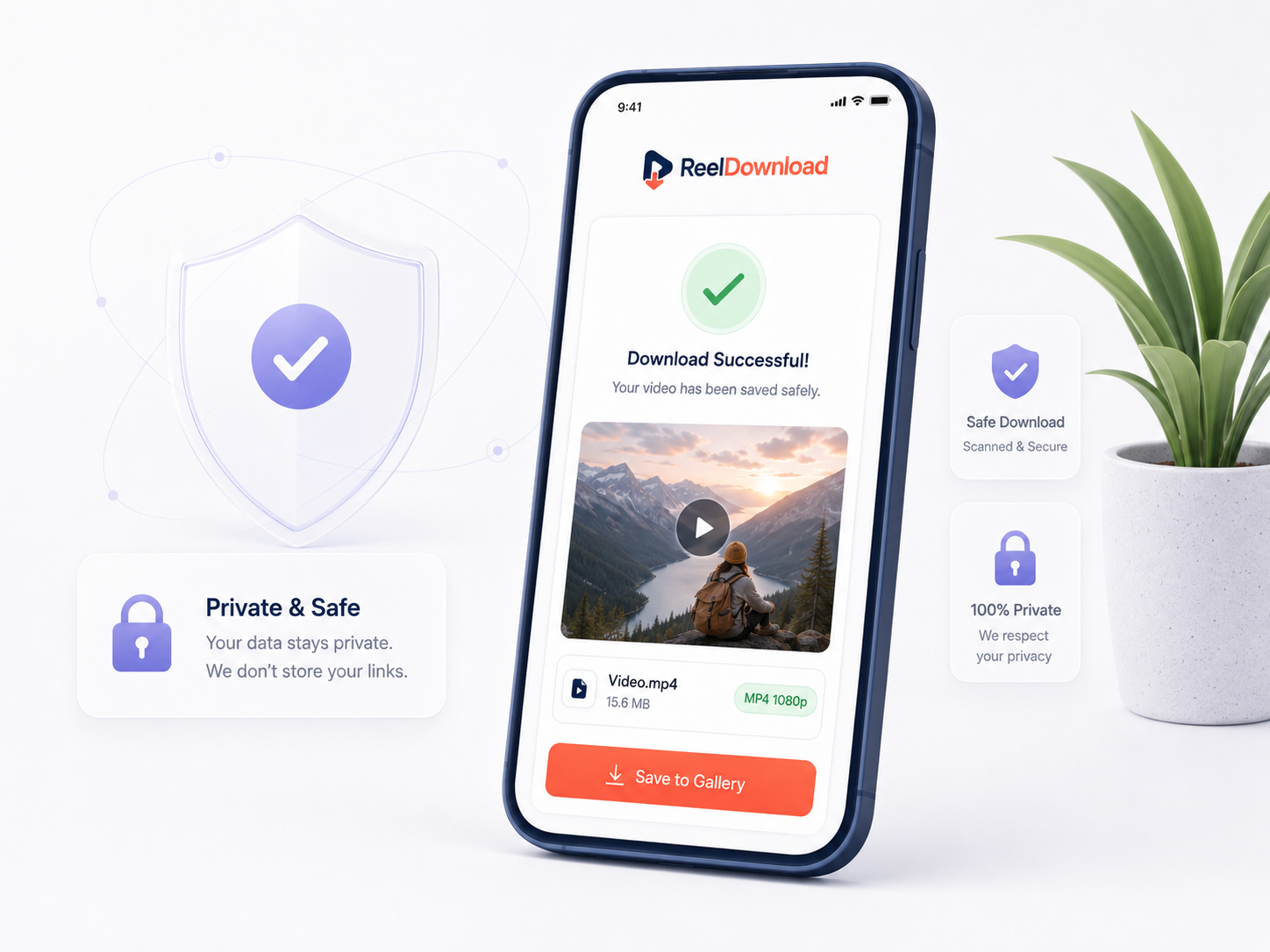
Save responsibly and safely.
Use the result only for videos you own or have permission to save. ReelDownload is built around safe-use messaging and responsible creator workflows.
Multi-device workflow
Works across desktop, tablet, and mobile.
The website layout is built for responsive usage so users can open the tool smoothly from different screen sizes.
Open Tool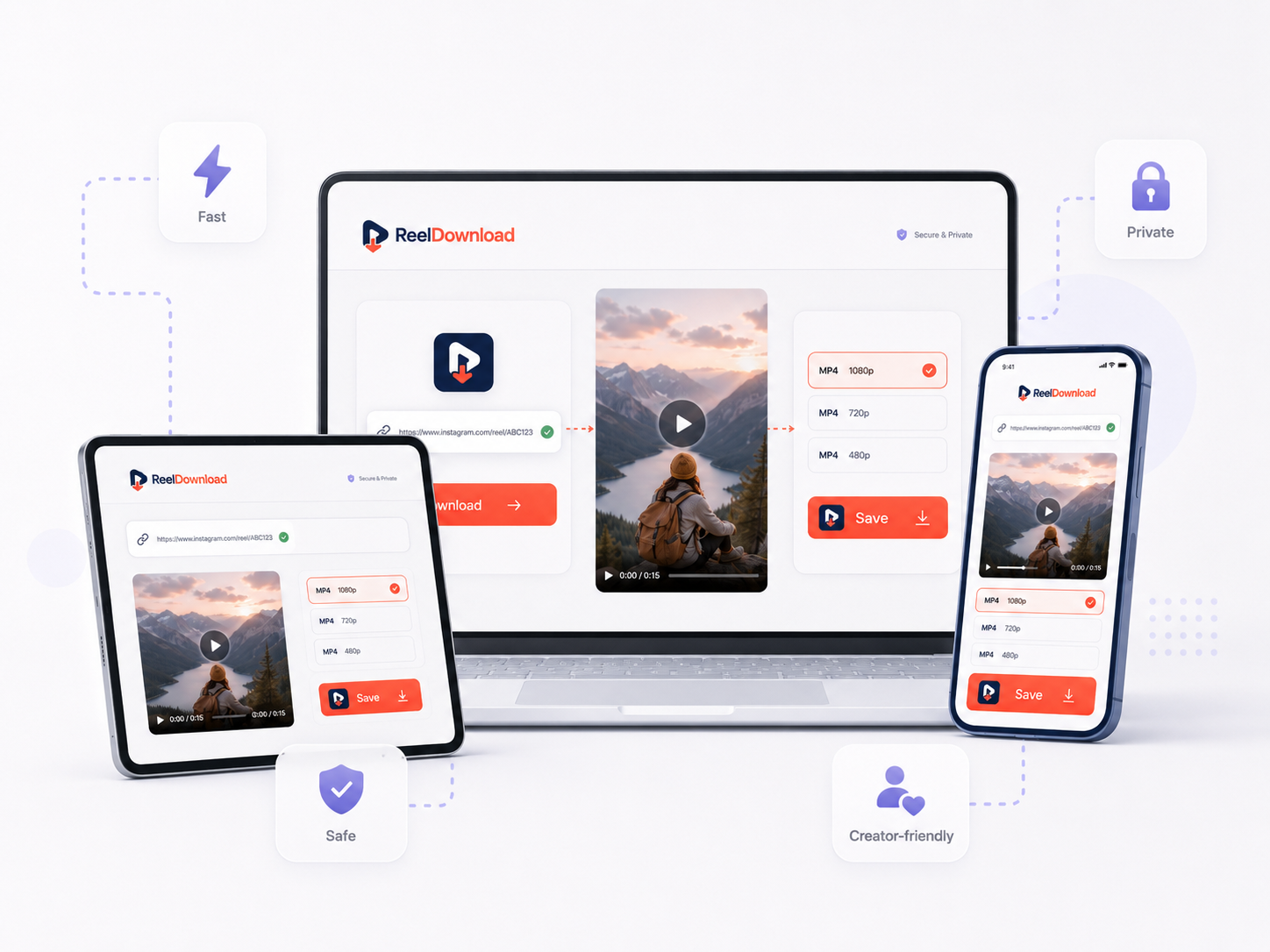
Safe-use rules
Clean rules for responsible use.
Public links only
The workflow is designed for public video URLs only.
No login collection
ReelDownload does not ask for social media username or password.
Safe-use approach
Private content access and copyright misuse are not supported.
Fast workflow
Paste, preview, and continue with a clean creator-friendly flow.
FAQ
Frequently asked questions
Common questions about ReelDownload, supported links, and safe-use rules.
ReelDownload is a short-video link tool for saving your own public videos for backup, editing reference, and personal workflow.